Create cinematic animated maps in your browser.
Design beautiful maps, highlight locations, add labels and routes, import geodata, record voiceovers, and export high‑quality videos that tell your story — all in your browser. No extra software required.
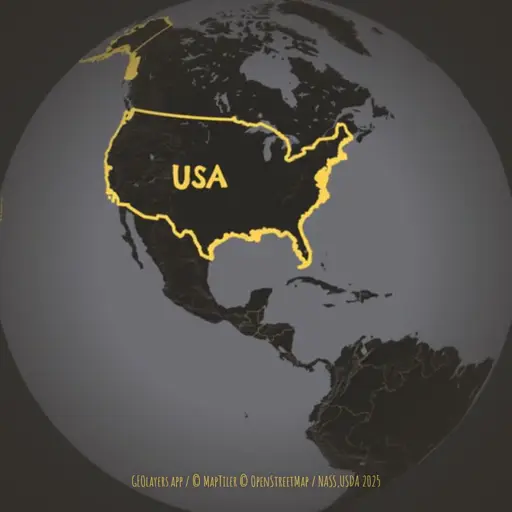
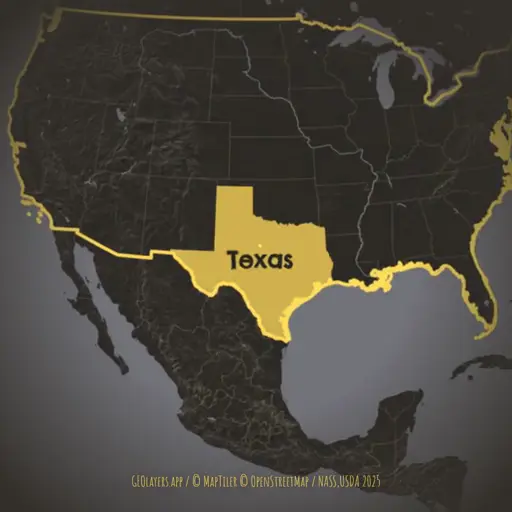
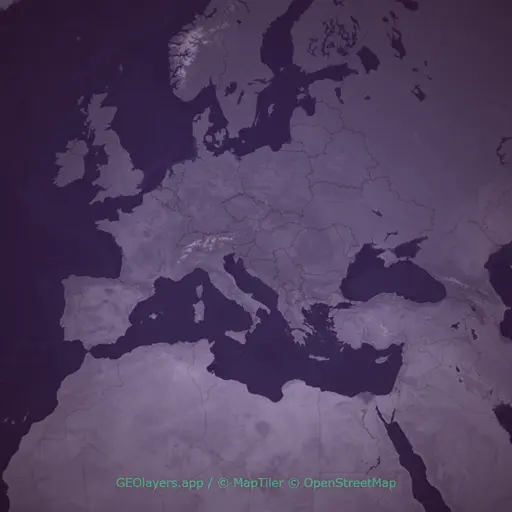
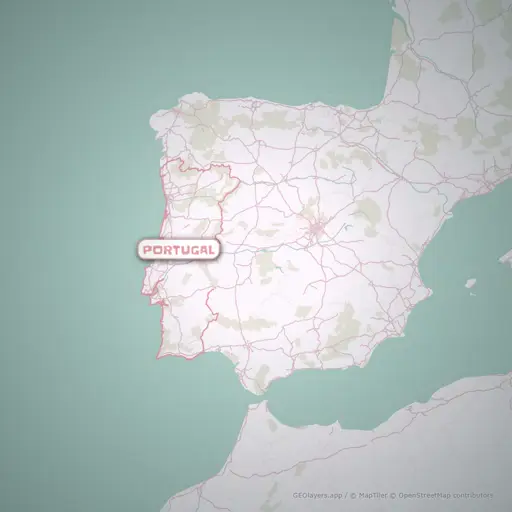
Sample Projects to get you started
Explore ready-made projects to learn the features, get inspired or use as a starting point for your own maps.
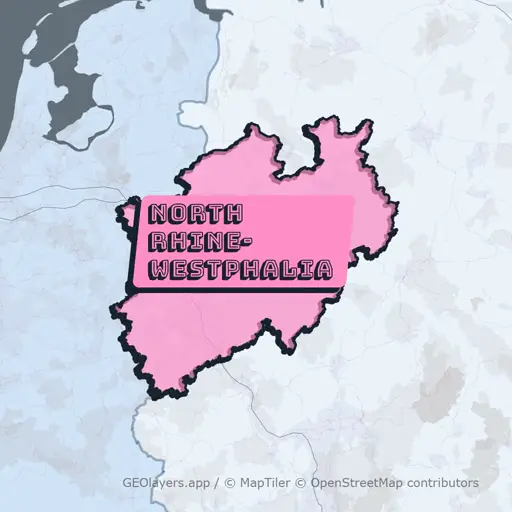
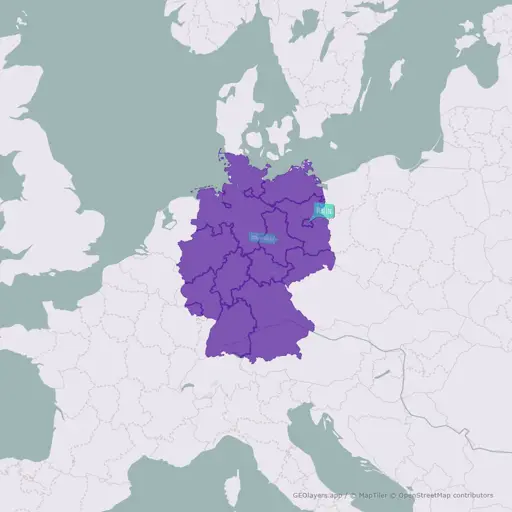
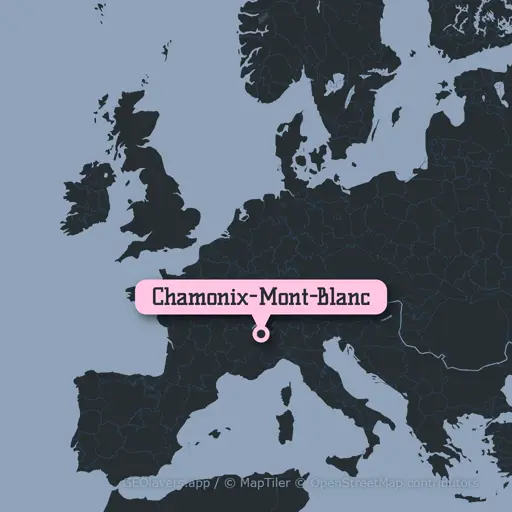
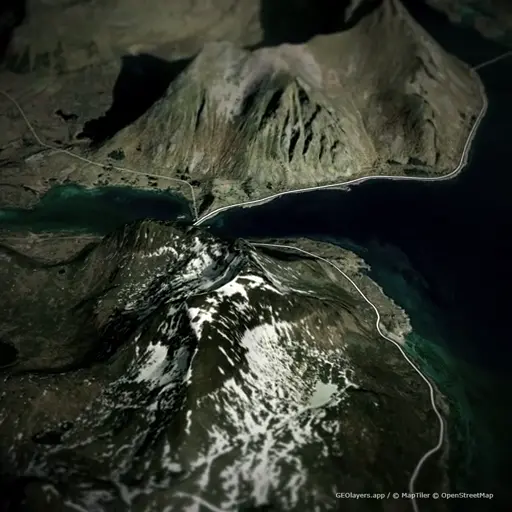
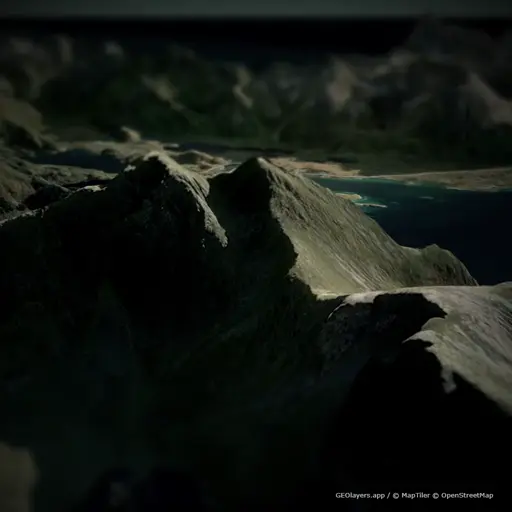
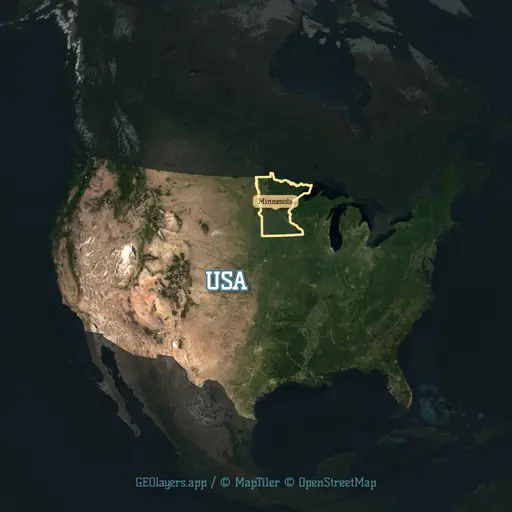
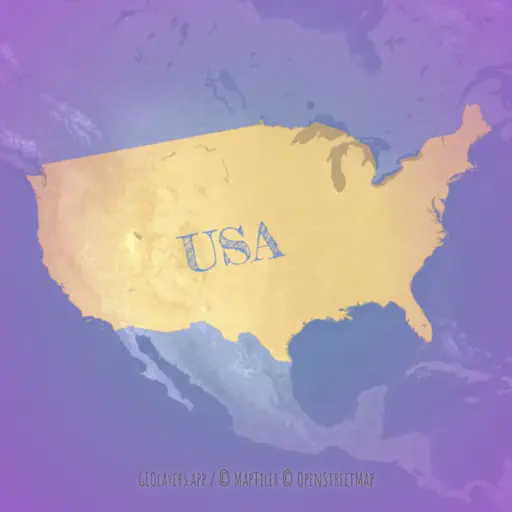
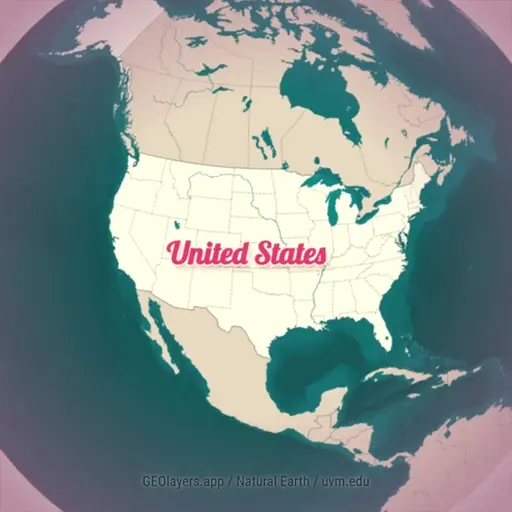
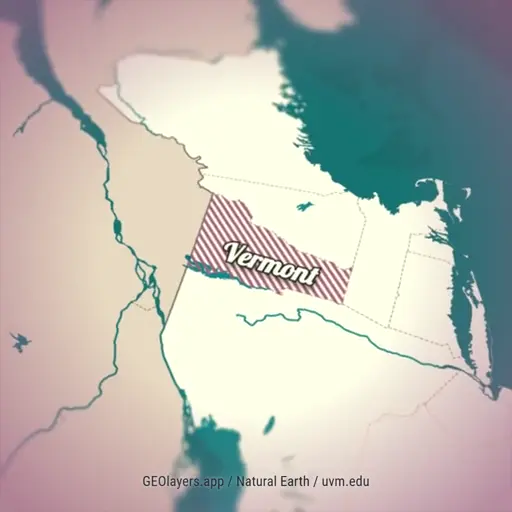
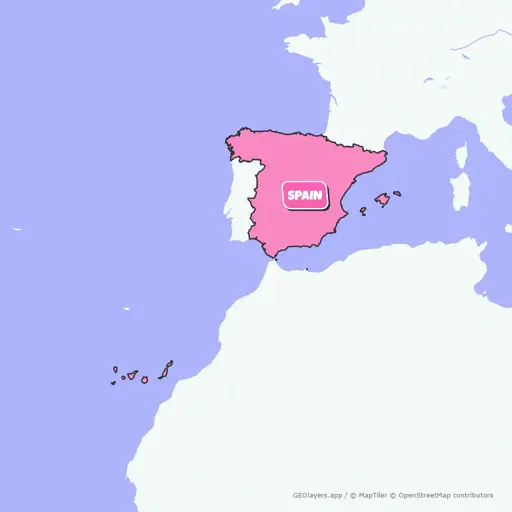
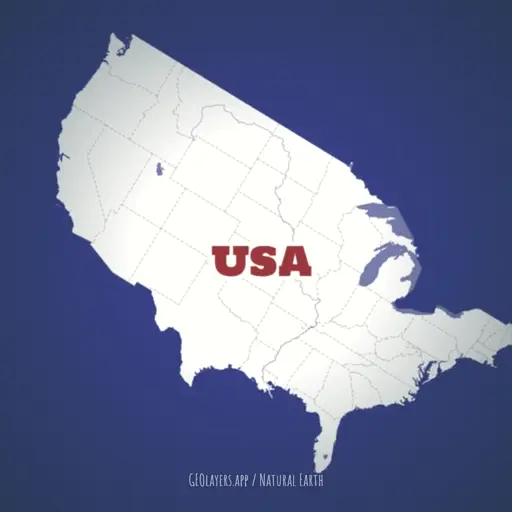
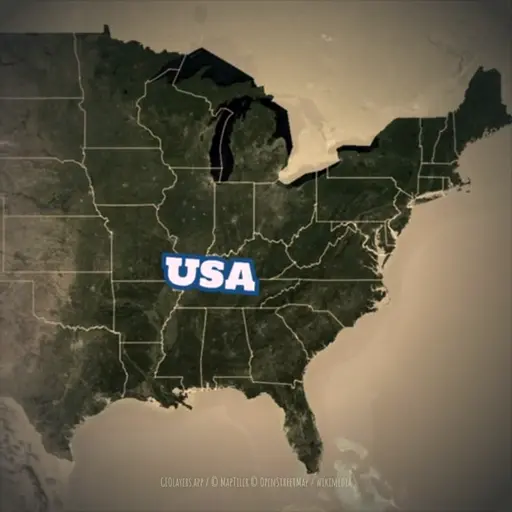
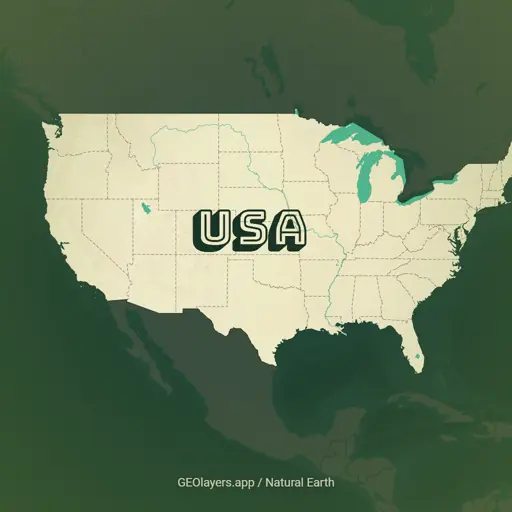
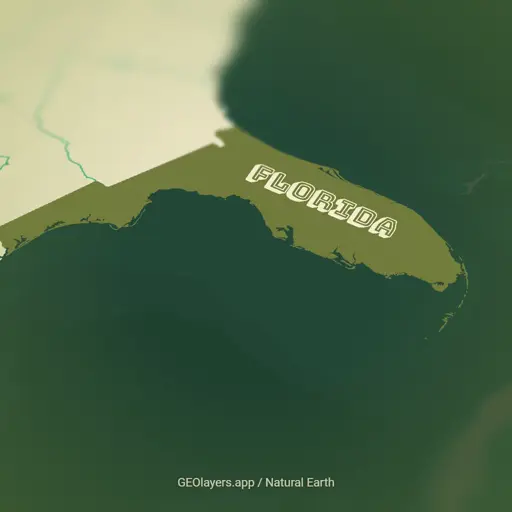
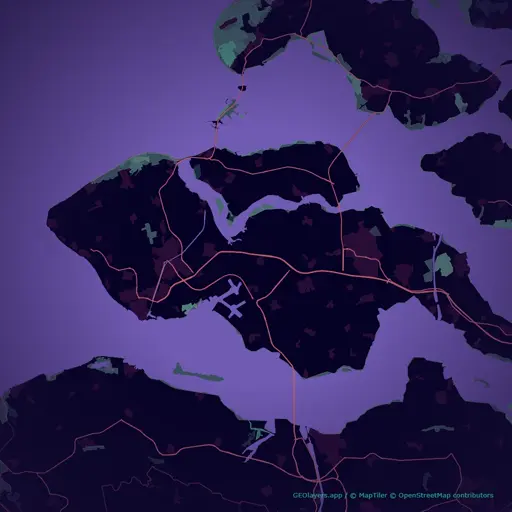
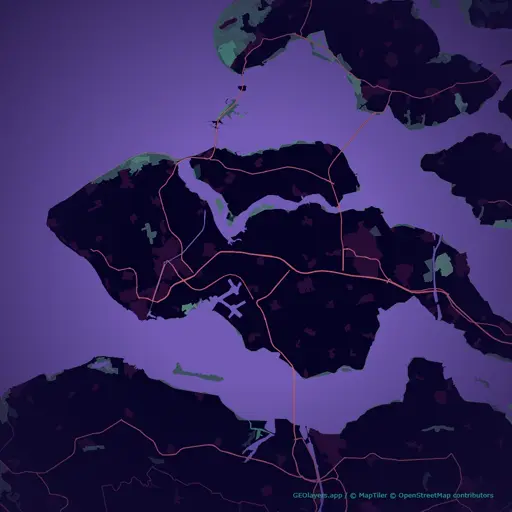
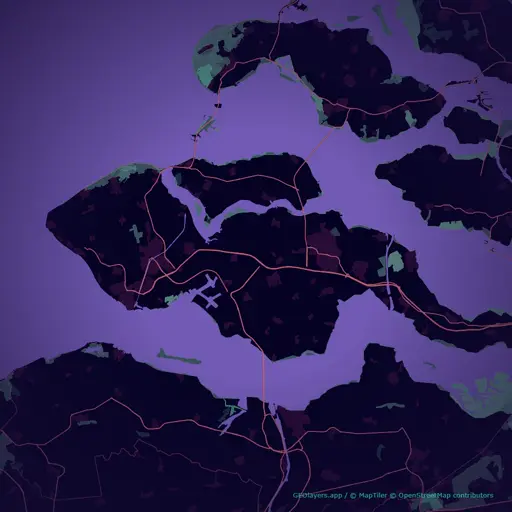
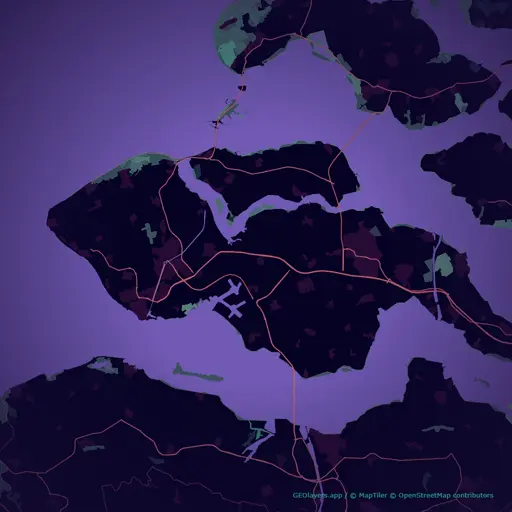
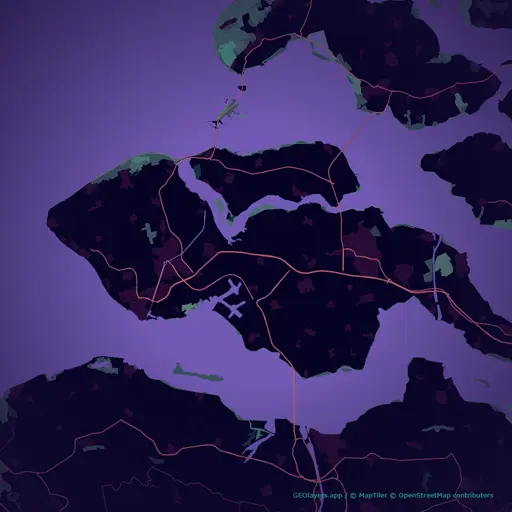

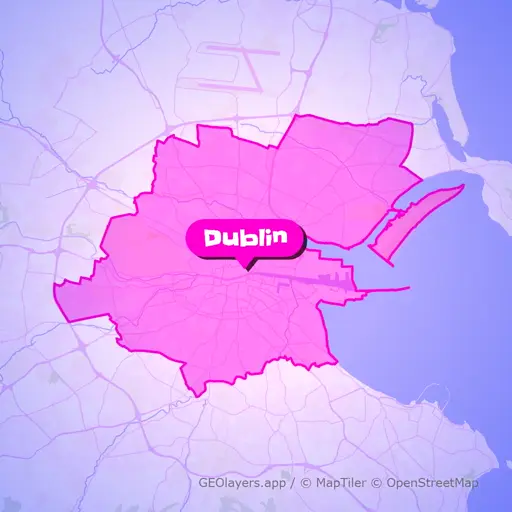
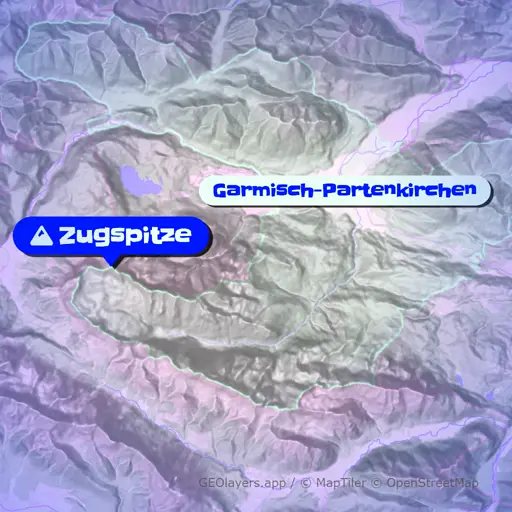
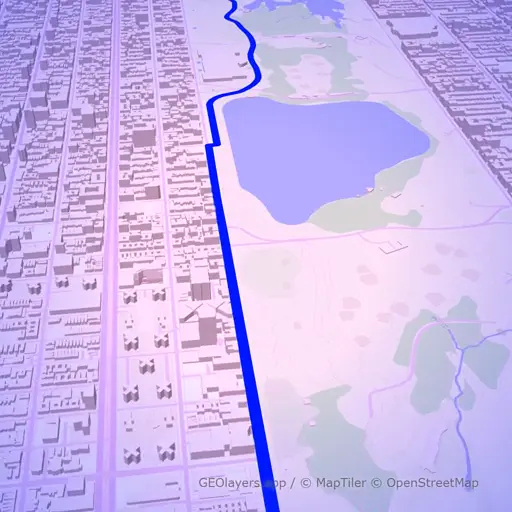
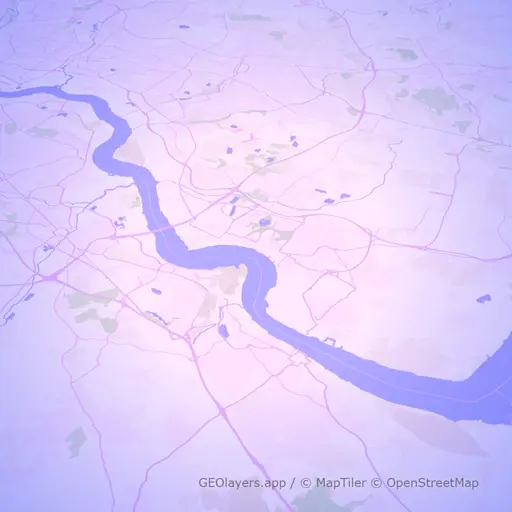
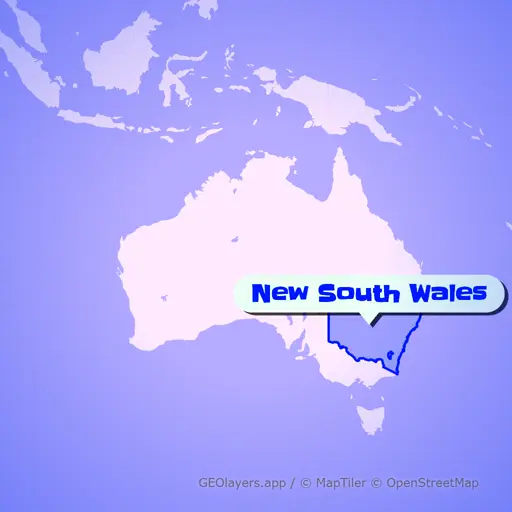
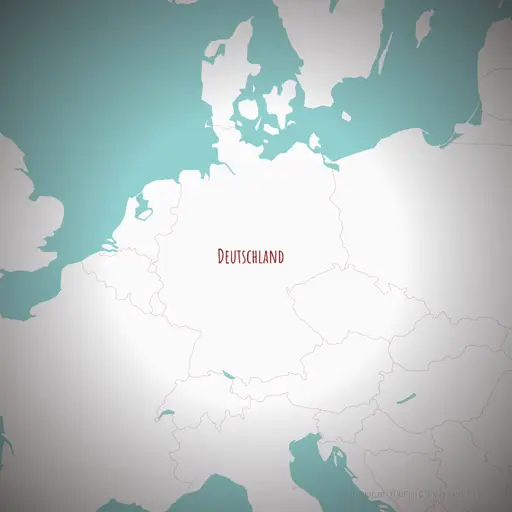
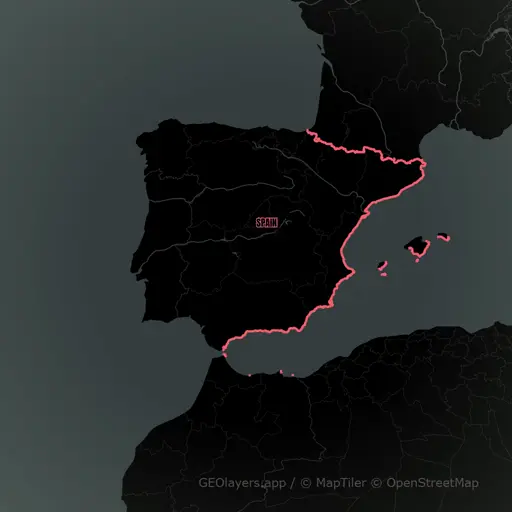
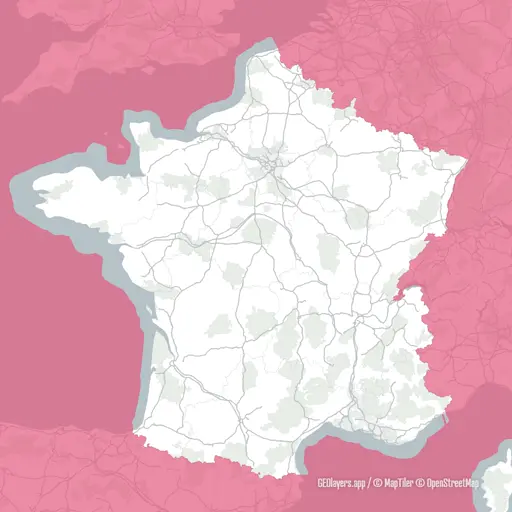

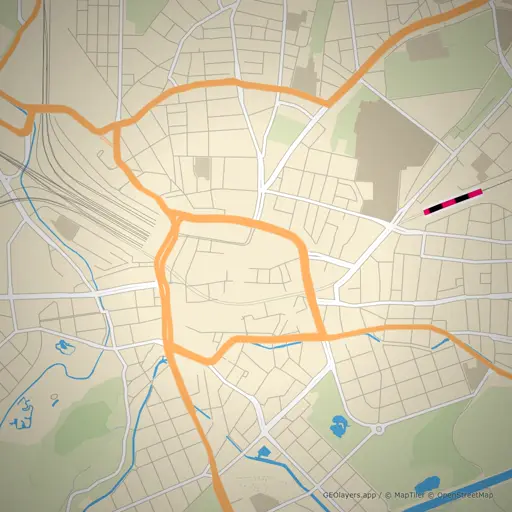
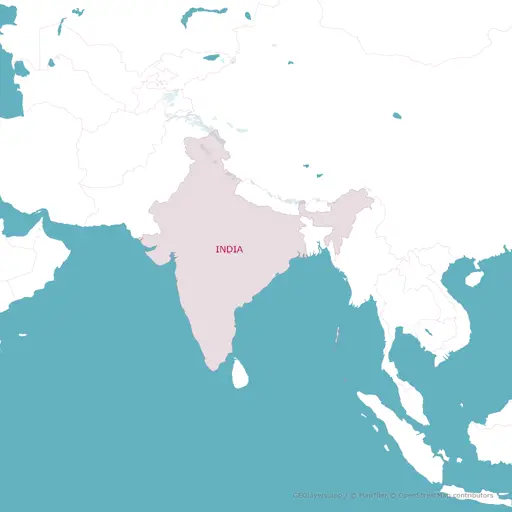
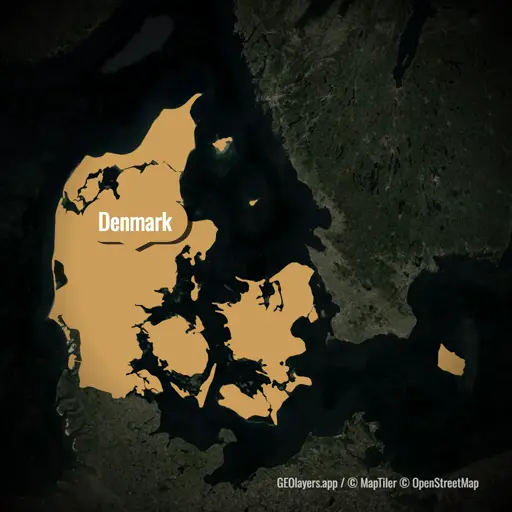
Everything in One Place
GEOlayers.app offers all the tools you need to tell your story with a map.
Design Templates
Maps that match your brand and style.
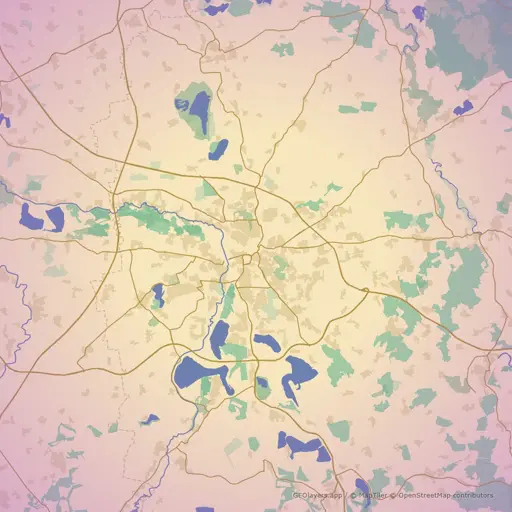
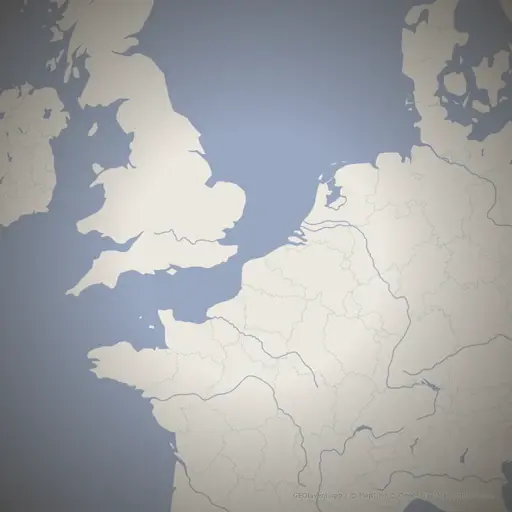
Adjust colors, basemaps, labels and styles to create reusable template projects that fit your needs.
Create Maps
Highlight locations, add labels, draw routes and much more.
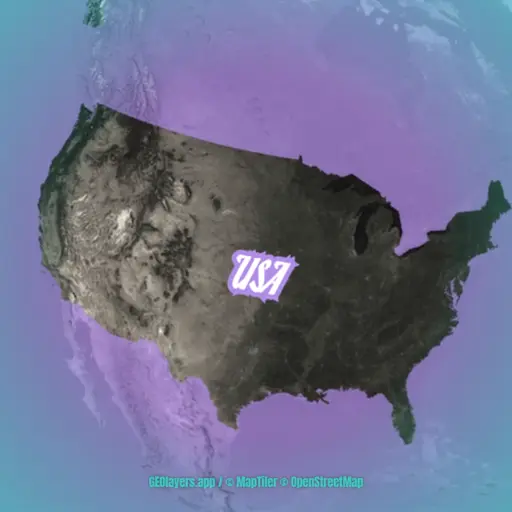
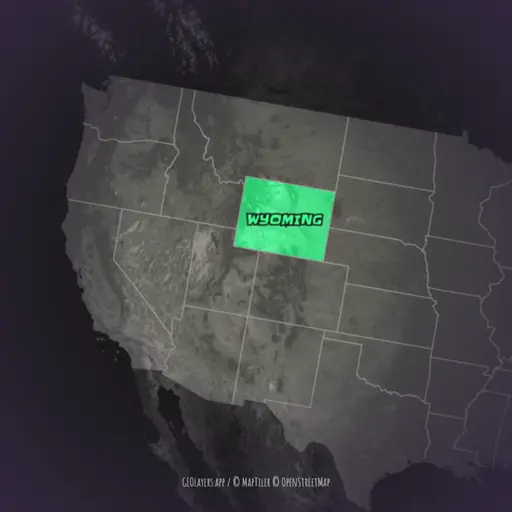
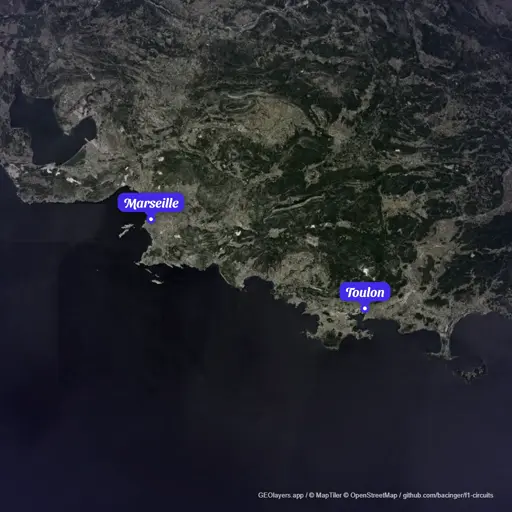
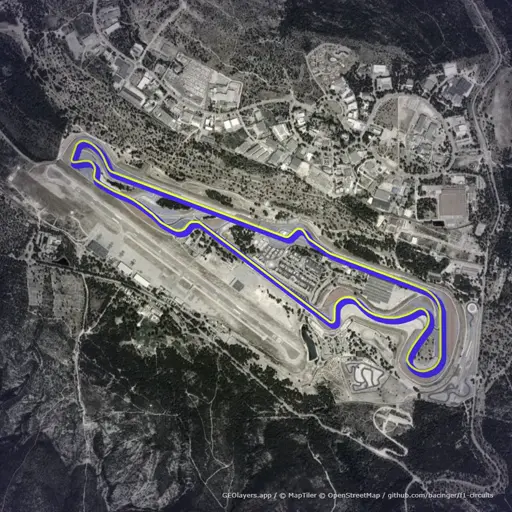
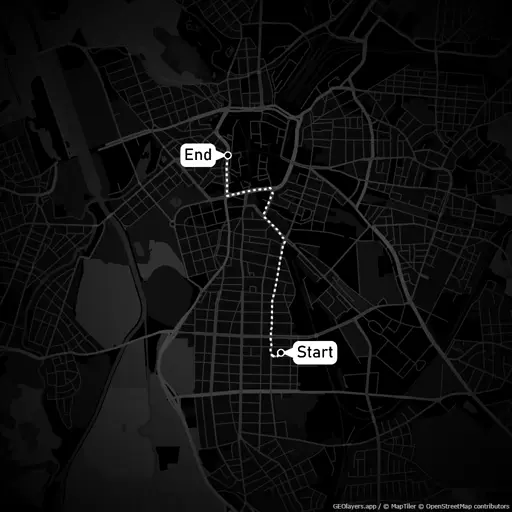
Create animated maps of any place in the world, highlight features, add labels, place icon and image markers, import geodata or even draw directly to your map. Possibilities are endless.
Animate Maps
Item based timeline - no fiddly keyframes.
Our item based timeline lets you create smooth animated maps and transitions in no time. It can handle automatic animations like flashing features or rotating 3D viewports while giving you all the control you need.
Share Maps
Render presets for social media and further editing.
Render images and videos of your maps in all formats and resolutions you need. Export the same animation as an easy to share MP4 file for social media or lossless 4K image sequence for further editing, all with one click.
Team Workflows
We support seamless collaboration for teams, allowing multiple users to work with organization wide template projects. From project managers, template designers to video editors and social media distribution everyone can contribute efficiently.
Start working togetherNeed even more creative freedom?
We highly recommend checking out our Adobe After Effects Extension GEOlayers 3. It gives you even more control and possibilities to animate maps leveraging the power of Adobe After Effects. Visit our friends on aescripts.com to learn more.